Forums Settings
Forum Image
phpBB allows you to upload a custom image for each forum category from ACP > Forums > Manage forums. Zeina theme gives you full control over how that image is displayed.
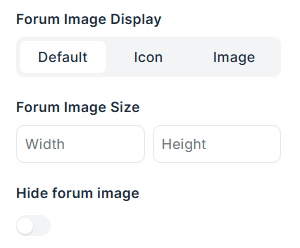
Standard Display
By default, the forum image is shown in its original size next to the forum icon in the Rows layout.

Grid Display
The image looks better with the grid layout, resembling a blog.
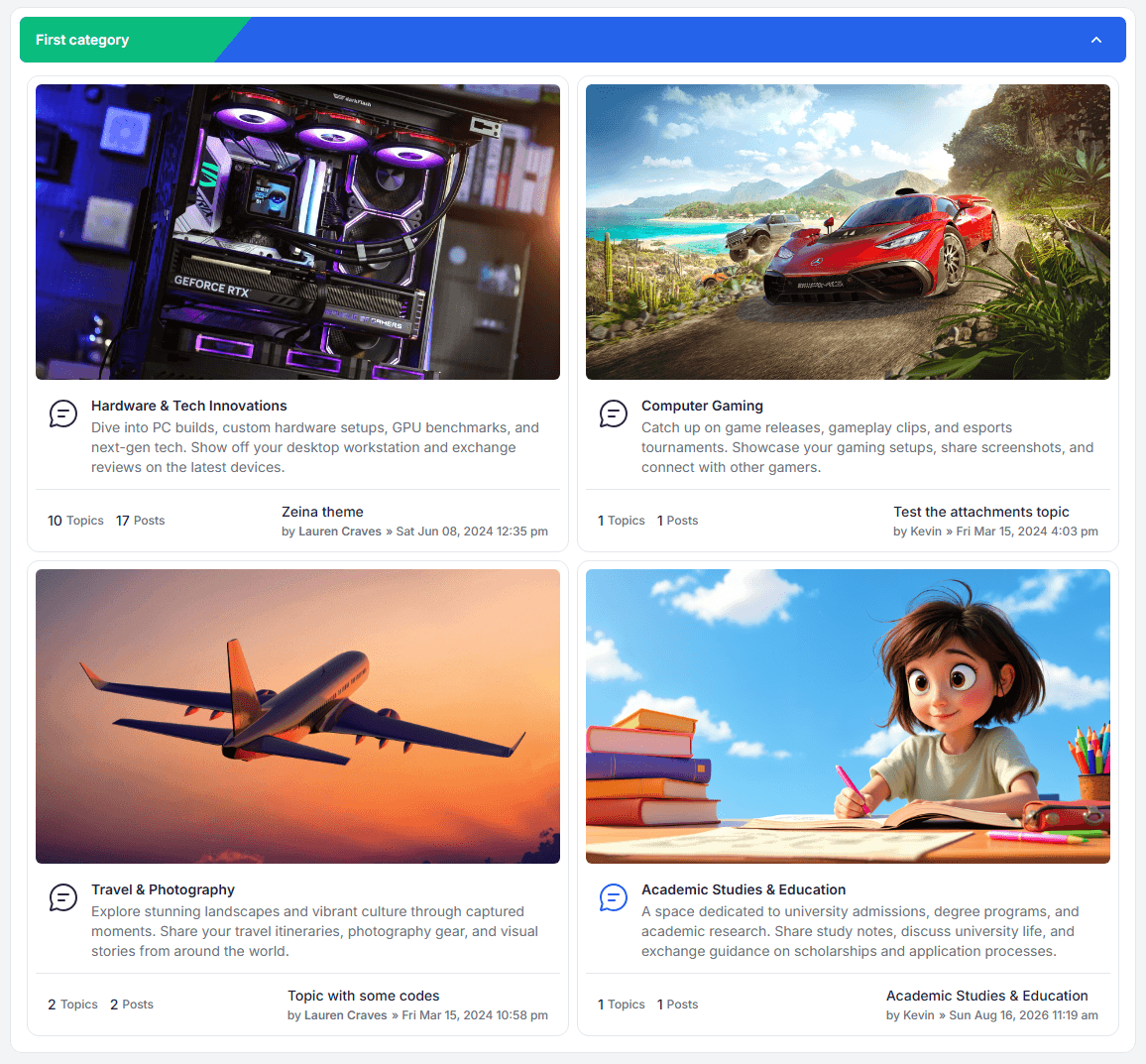
Use as Grid Background
When the Grid layout is selected, you can set Forum Image As Default to turn the forum image into a soft background for the forum card instead of displaying it as a plain image.


Image Size
You can force a fixed size for all forum images by entering Width and Height in pixels. Leave the fields empty to keep the original image size.
When a size is set, every forum image is resized to fit exactly inside these dimensions.
Hide the Forum Image
If you prefer not to display forum images at all, enable Hide Forum Image to remove them completely from both layouts.