General Settings
Custom Forum Icons
Zeina theme offers three flexible modes for managing the icons displayed next to each forum category, allowing you to customize your forum’s look and improve user experience.
Default Mode
This mode uses the built-in default icons integrated within the theme.
When selected, the theme automatically applies the standard icons for forum sections without any additional setup.

Images Mode
In this mode, you can upload your own custom icons as image files.
- Upload your icons to the folder: styles/zeina/theme/images/icons
- After selecting this mode, you’ll be prompted to specify the image format for your icons, choosing from GIF, PNG, or SVG.

Custom Mode
This advanced mode gives you complete control to assign different icons to each forum category based on its status, directly from the control panel.
For Example:
- A locked forum can have a lock icon.
- A pinned forum can have a pin icon.
- And so on, according to your preferences.
This mode is ideal for creating a dynamic and visually informative forum interface that reflects the current state of each category.
* Note: In this option, you must set all icons yourself.

Forum Image Display Control
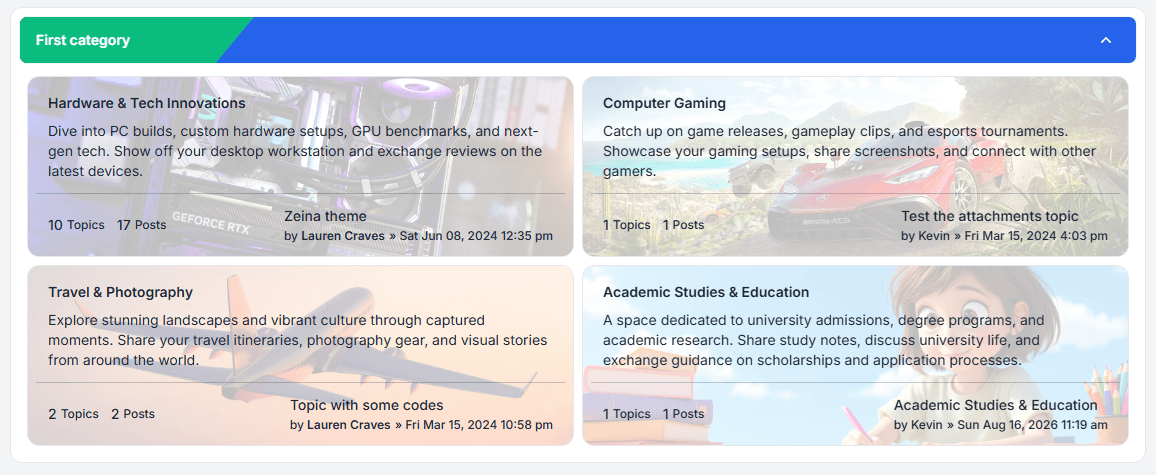
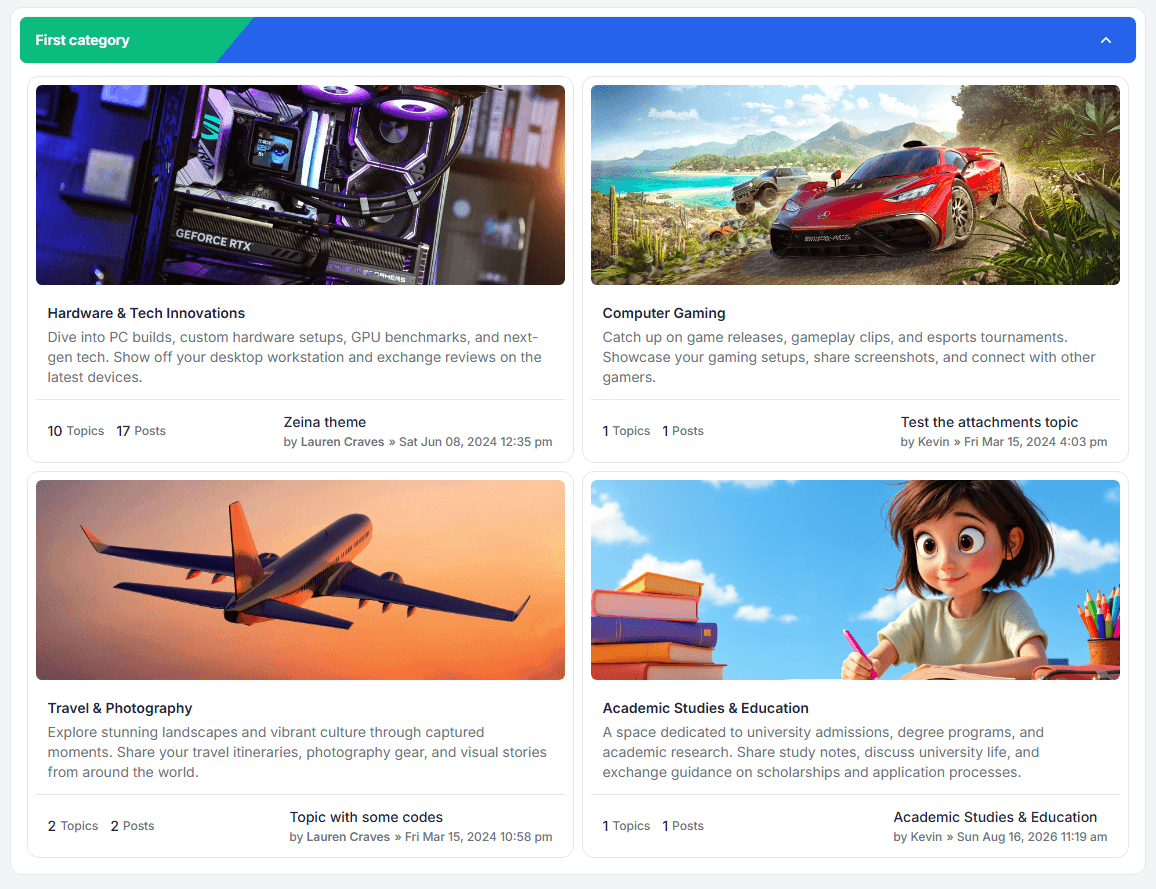
In phpBB forums, users can upload a custom image for each forum which appears next to the forum icon by default.
However, some users prefer to display only their custom images without the default forum icons to keep the design cleaner.
To accommodate this preference, Zeina theme includes a toggle button in the control panel that lets administrators show or hide the default forum icons next to these images.

This gives you full flexibility to choose whether to display:
- Both the forum icon and the custom image, or
- Only the custom image without the icon.
Example Preview
Forum icon & image:

Forum image only:

Grid Preview