Theme Settings
Light & Dark Mode
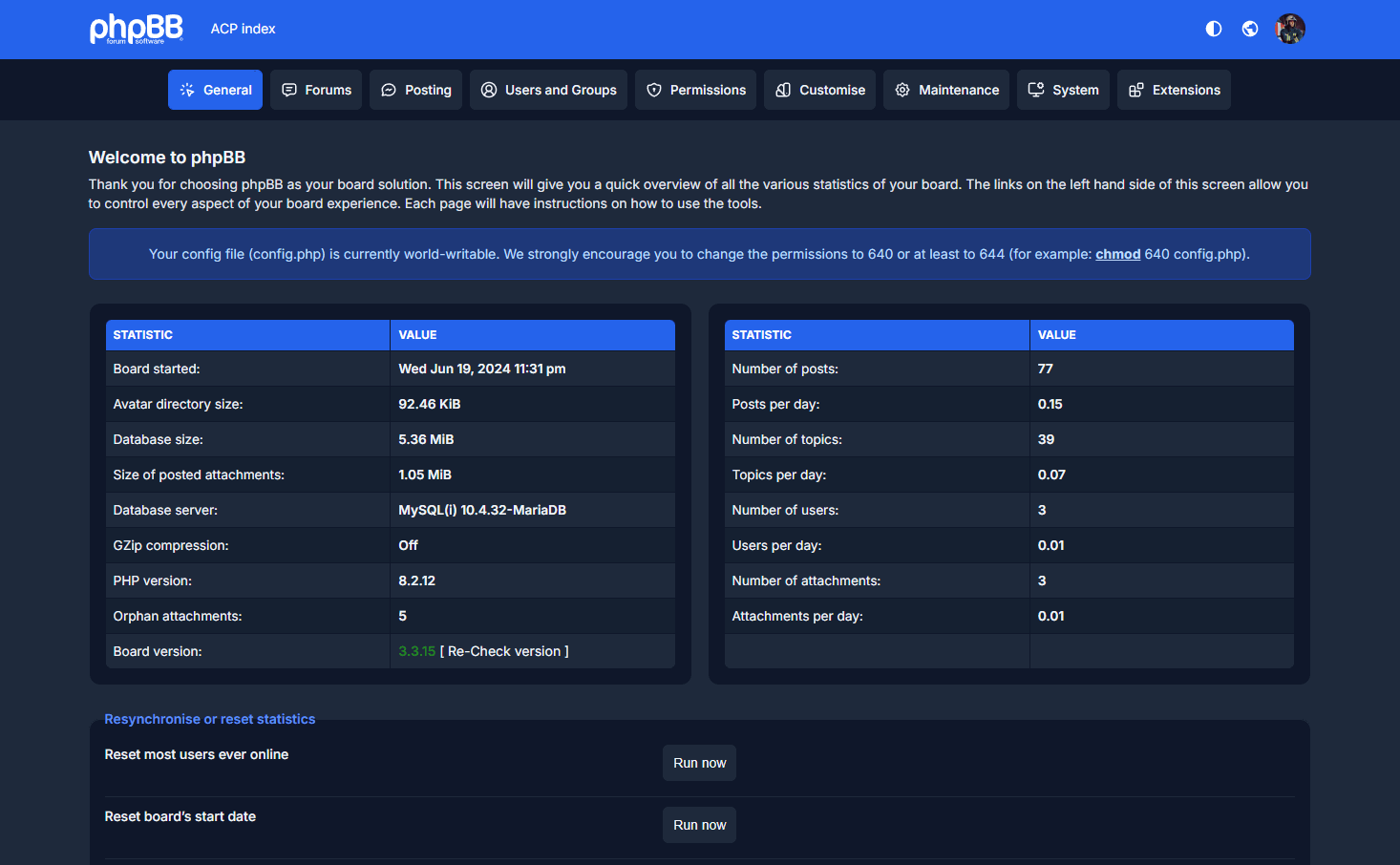
The Verano Theme supports both Dark Mode and Light Mode, allowing you to choose the visual style that best fits your workflow.
By default, the theme automatically detects your system’s preferred color scheme and applies it instantly.
When you manually switch between Dark and Light mode using the toggle, your preference is safely stored in the browser. This ensures that the selected mode is always restored on your next visit — even if you refresh or reopen the Admin Panel.
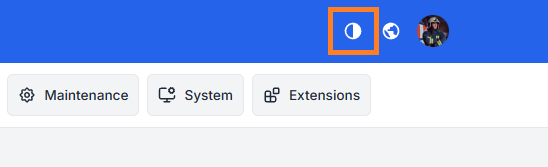
Switch Button:
You will find the switch button at the top, next to the icons.
Light Mode:

Dark Mode: