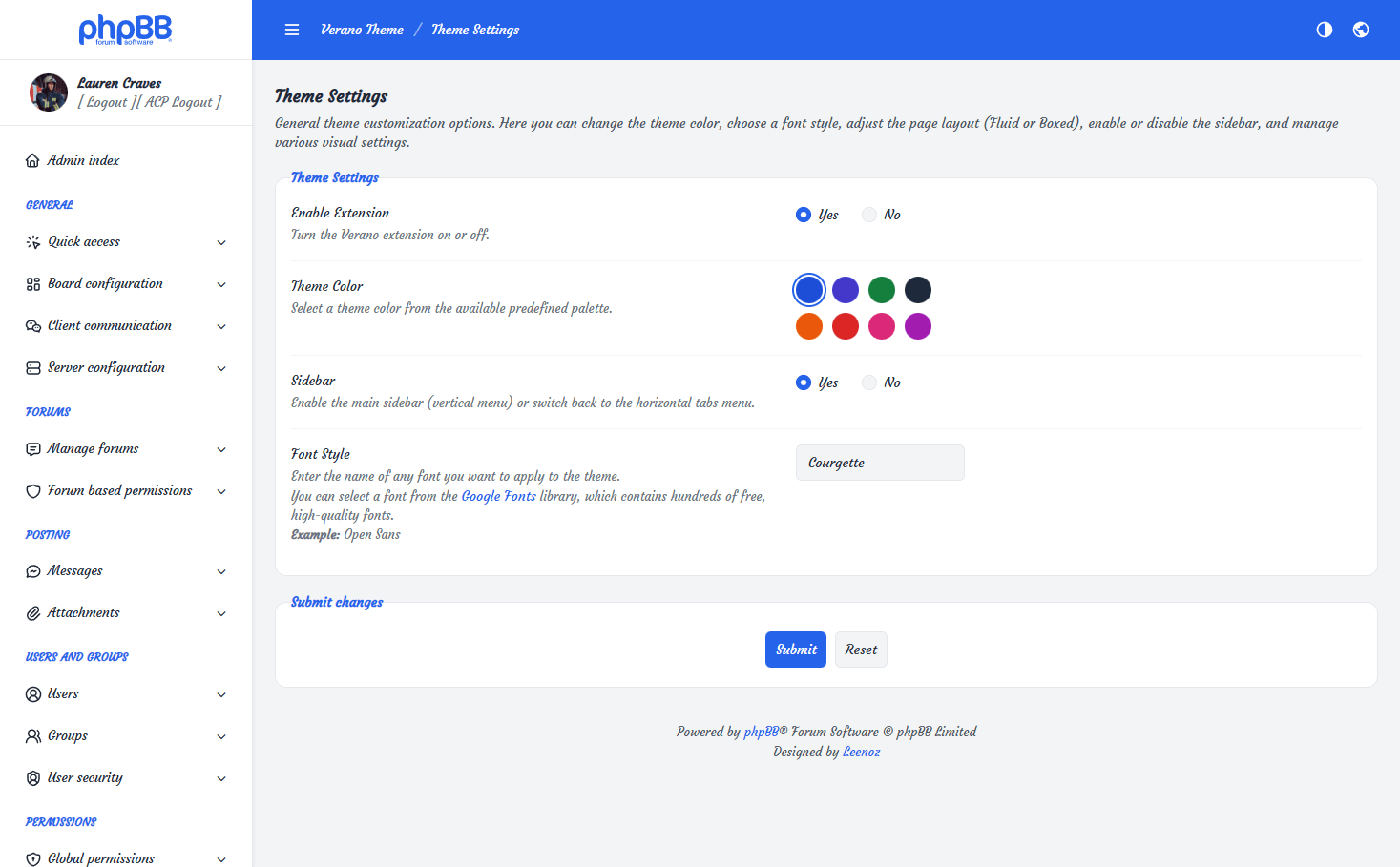
Theme Settings
Font Style
The Verano Theme allows administrators to easily customize the typography of the Admin Control Panel.
You can choose any font you prefer by directly integrating Google Fonts, a free library that offers a wide range of high-quality, well-optimized web fonts.
* Google Fonts are optional. You can leave this field empty to use the default local font, Inter.
How It Works
- Visit Google Fonts.
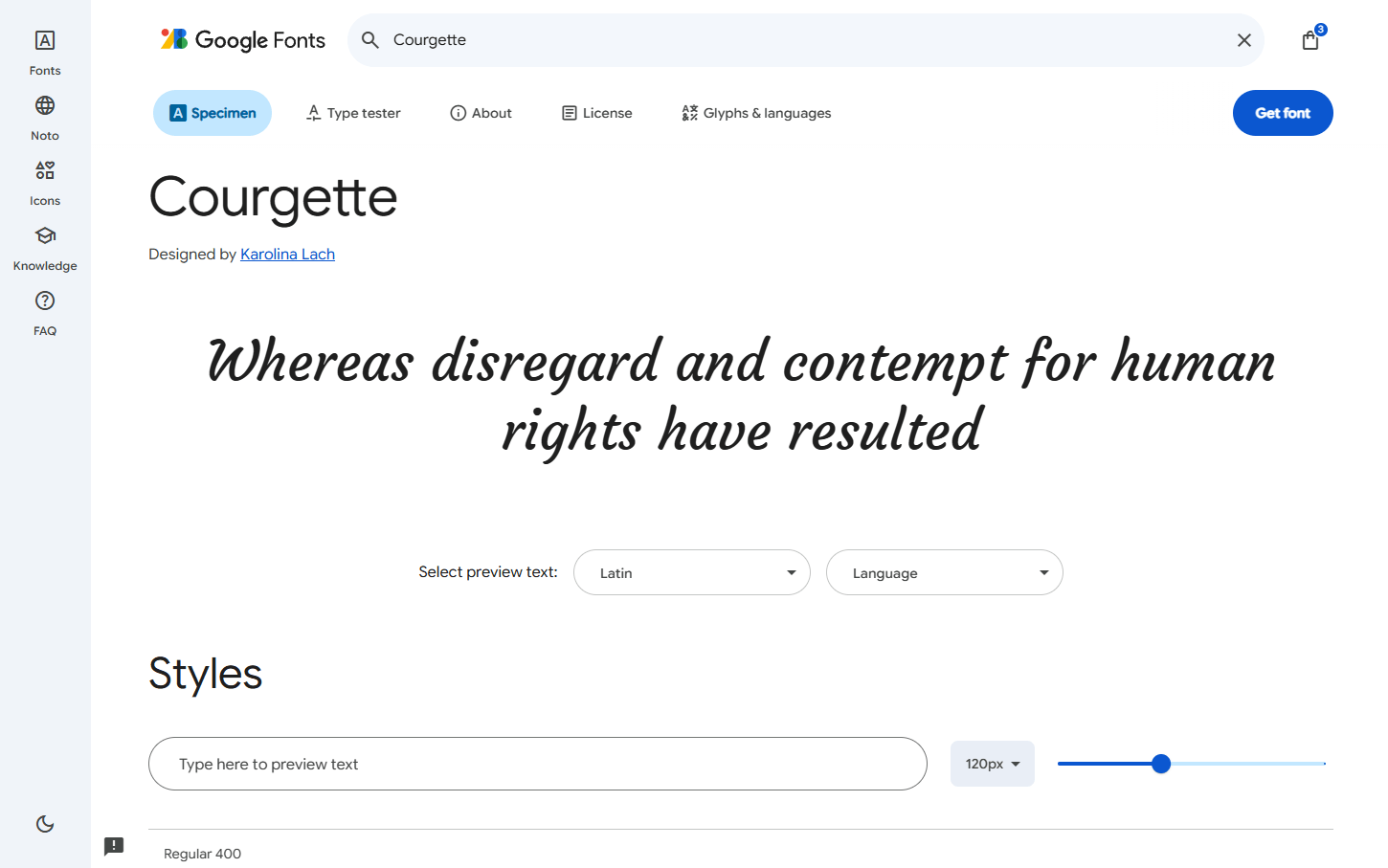
- Browse and select the font you want to use.
- Copy the font name exactly as it appears on the Google Fonts website.
- Paste the font name into the Font Style field inside the Verano Theme settings.
- Save your settings — and the new font will be instantly applied across the entire Admin Panel.
Tutorial
Use "Courgette" font as an example.
Result