Theme Settings
Menu Icons Customization
Upload your own images (PNG, JPG, GIF, SVG) to customize your menu items.
Custom Images
1- Upload your icon image via File Manager or FTP to either the adm/images folder or the main images folder.
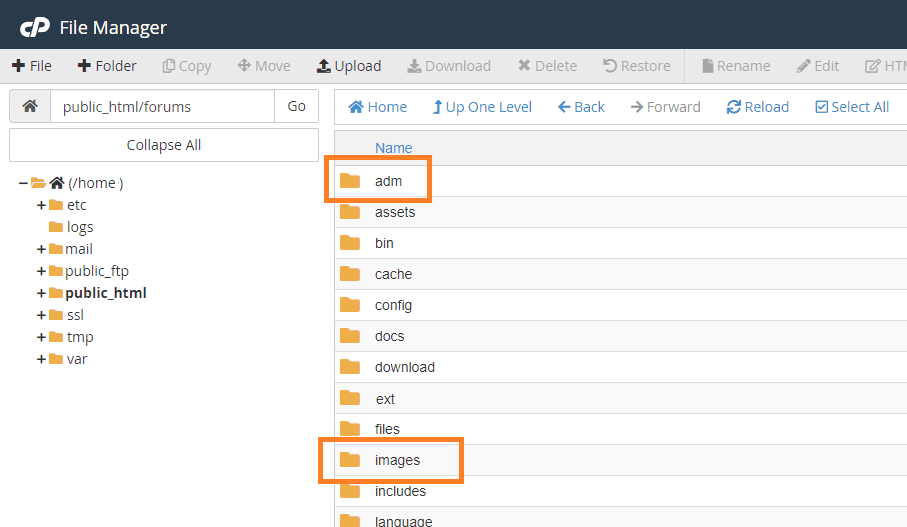
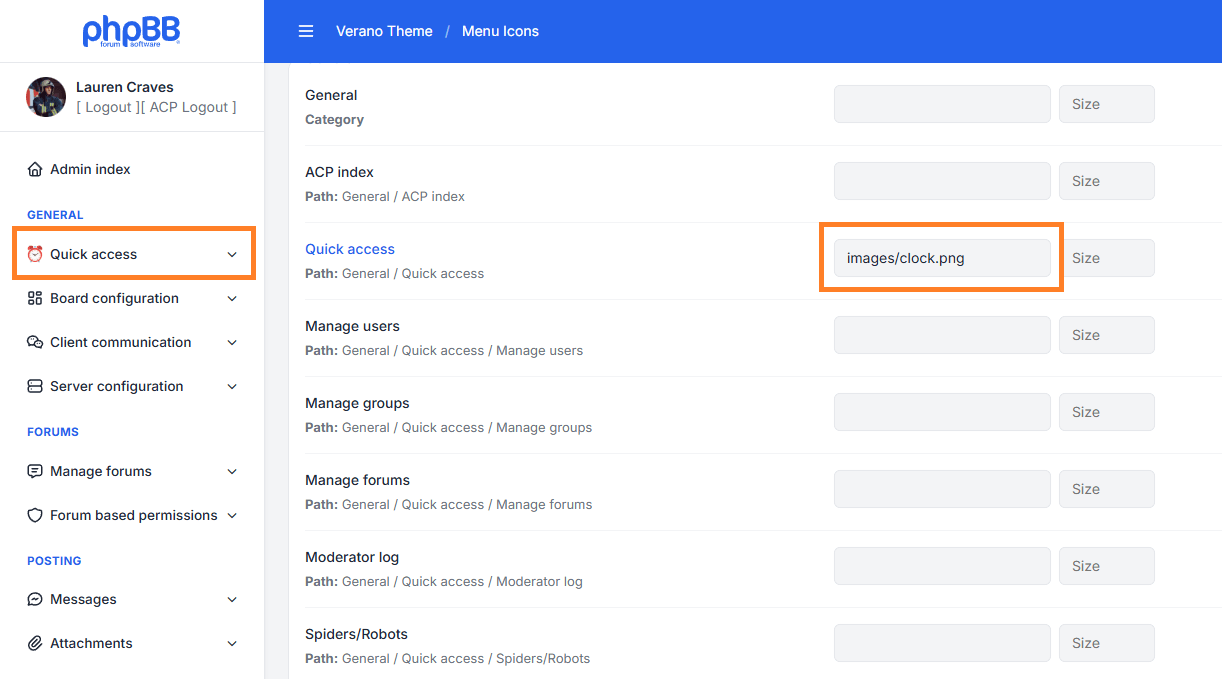
2- Insert the image path in the control panel, e.g., images/clock.png.
The system will first look into the adm/images folder; if not found, it will look in the main images folder or use the default icons.
Icon Size
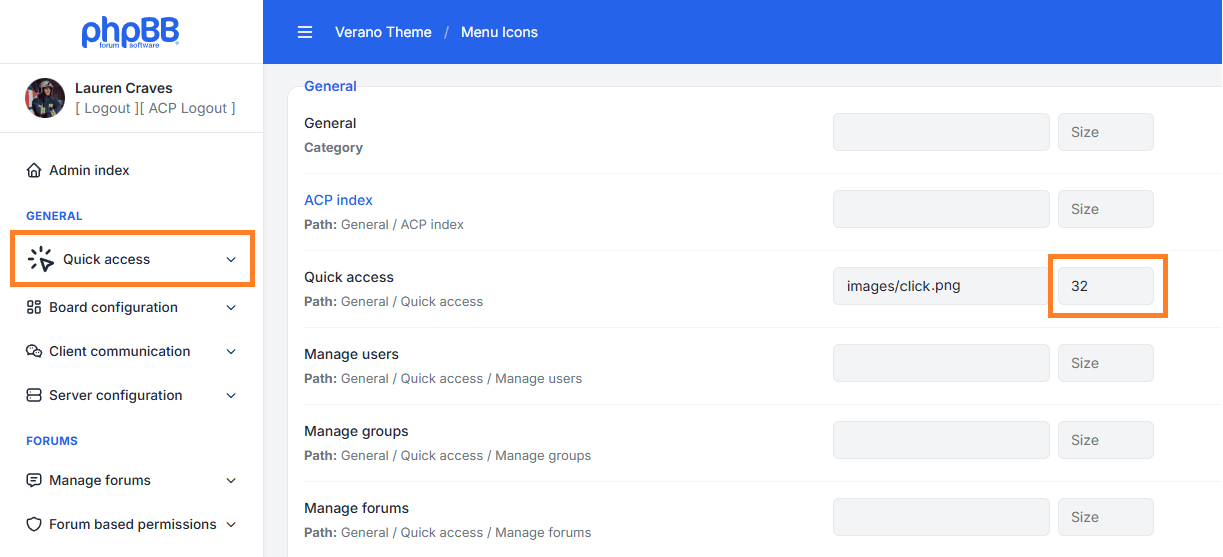
You can freely adjust the icon size to fit your design needs using the available size field.
The default icon size is 18px, but you can increase or decrease it as required.
Change default icons
You can find all the default icons in the folder located on this path ext/leenoz/verano/adm/images