Getting Started
Install Verano Theme
Before installing the Verano extension, you must already have a working phpBB environment.
This means phpBB must be fully installed and running either on your hosting server or on a local development setup.
If you have not installed phpBB yet, please download the latest stable version from the official website:
phpBB Official Download:
https://www.phpbb.com/downloads/For installation instructions, refer to the official phpBB documentation:
phpBB Installation Guide:
https://www.phpbb.com/support/docs/en/3.3/ug/quickstart/installation//Once phpBB is successfully installed, you can proceed with installing the Verano extension as described in the next steps.
-
1
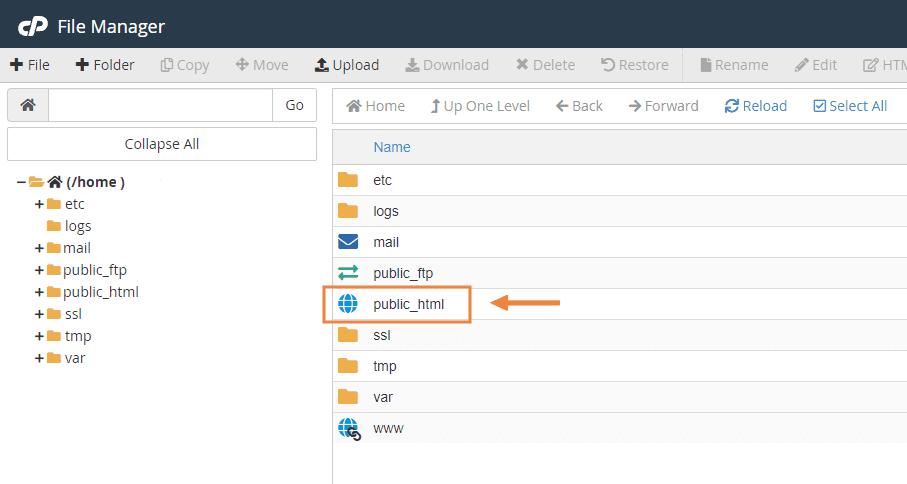
Log in to your cPanel and click on the File Manager.

-
2
Open the public_html folder.
-
3
Open the "Extension Files" folder and upload all of its contents into your forum’s ext directory.

-
4
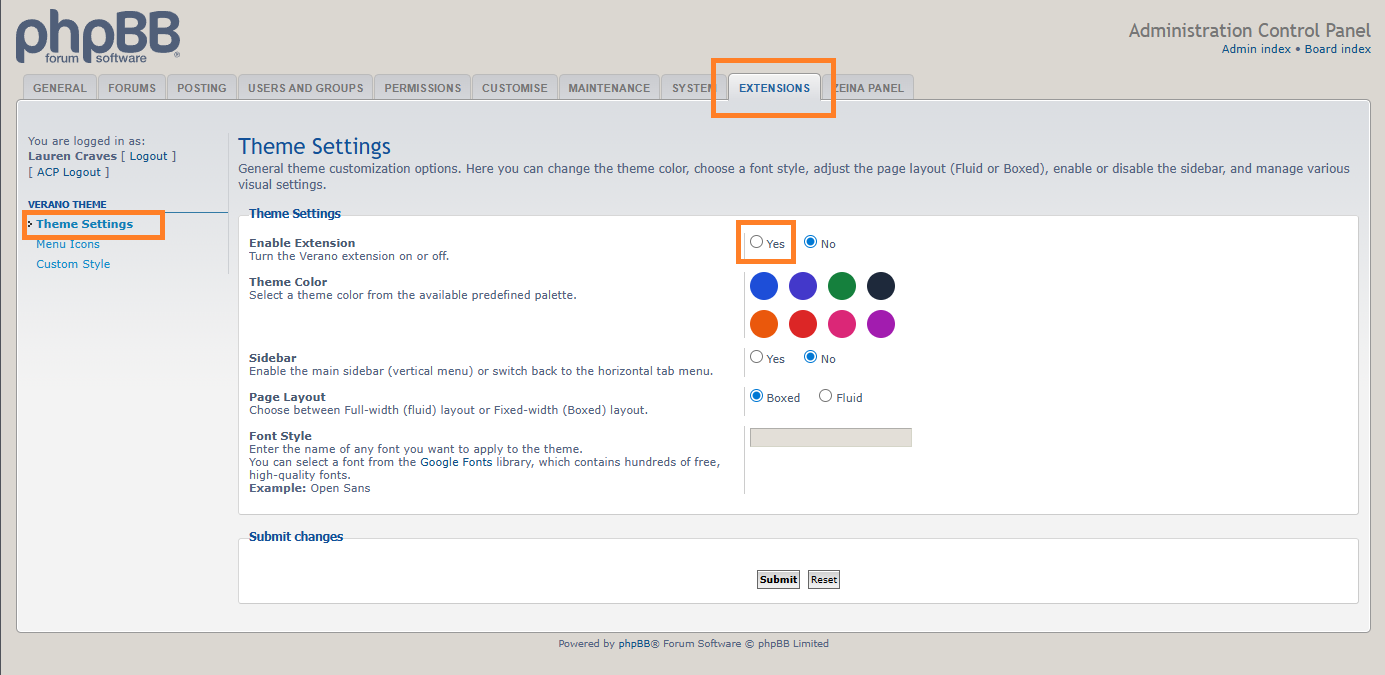
Go to the phpBB control panel (ACP) and from the Customise tab, enable the "Verano Theme" extension.

-
5
Enable the theme.
-
6
Congratulations! You’re all set.

-
7
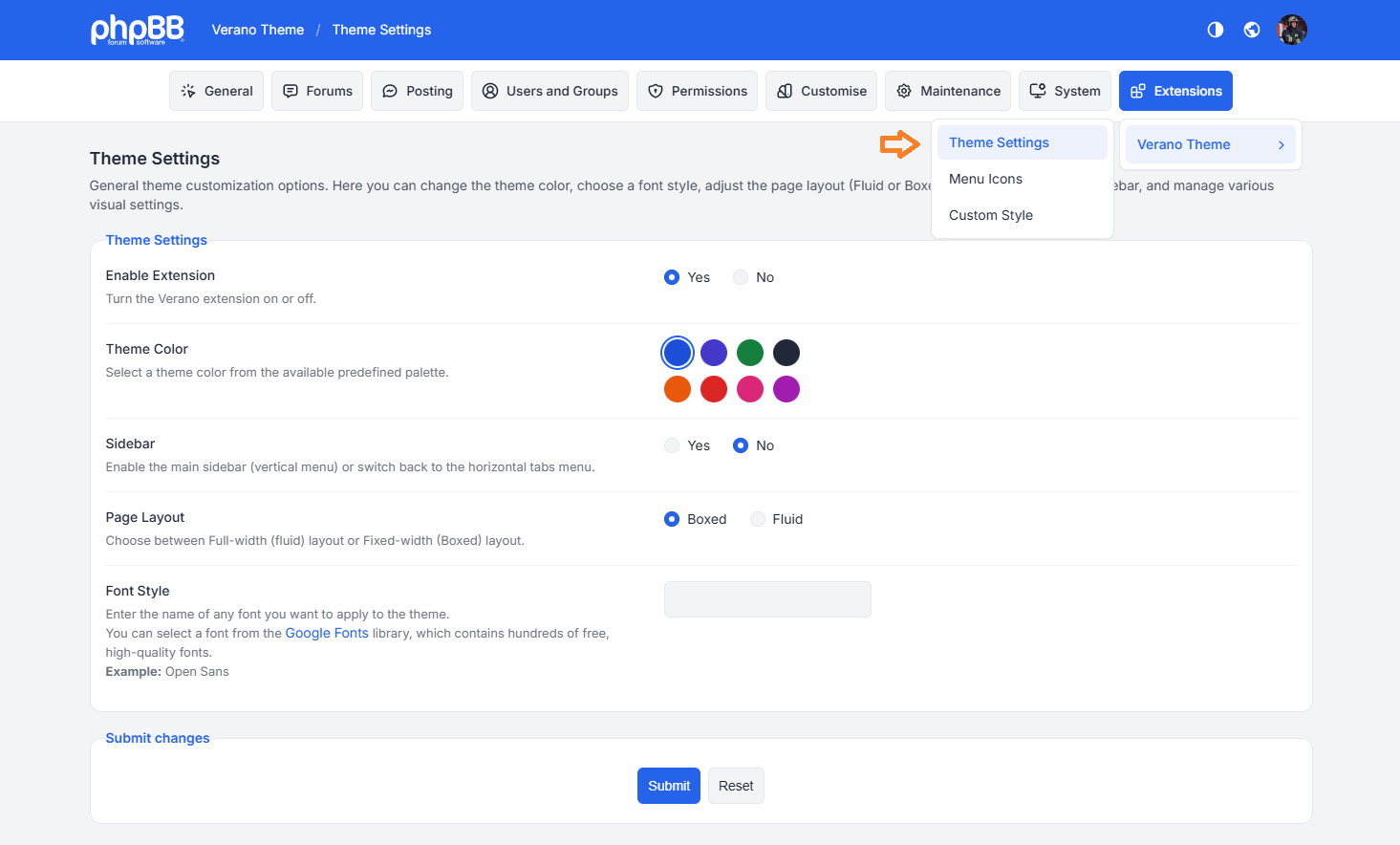
Head over to the Verano Settings to start customizing your forum and enjoy the experience.